Try the Hitech Billsoft Software today and grow your business
Join Millions of Business Owners already saving time and
money with Hitech Billsoft.
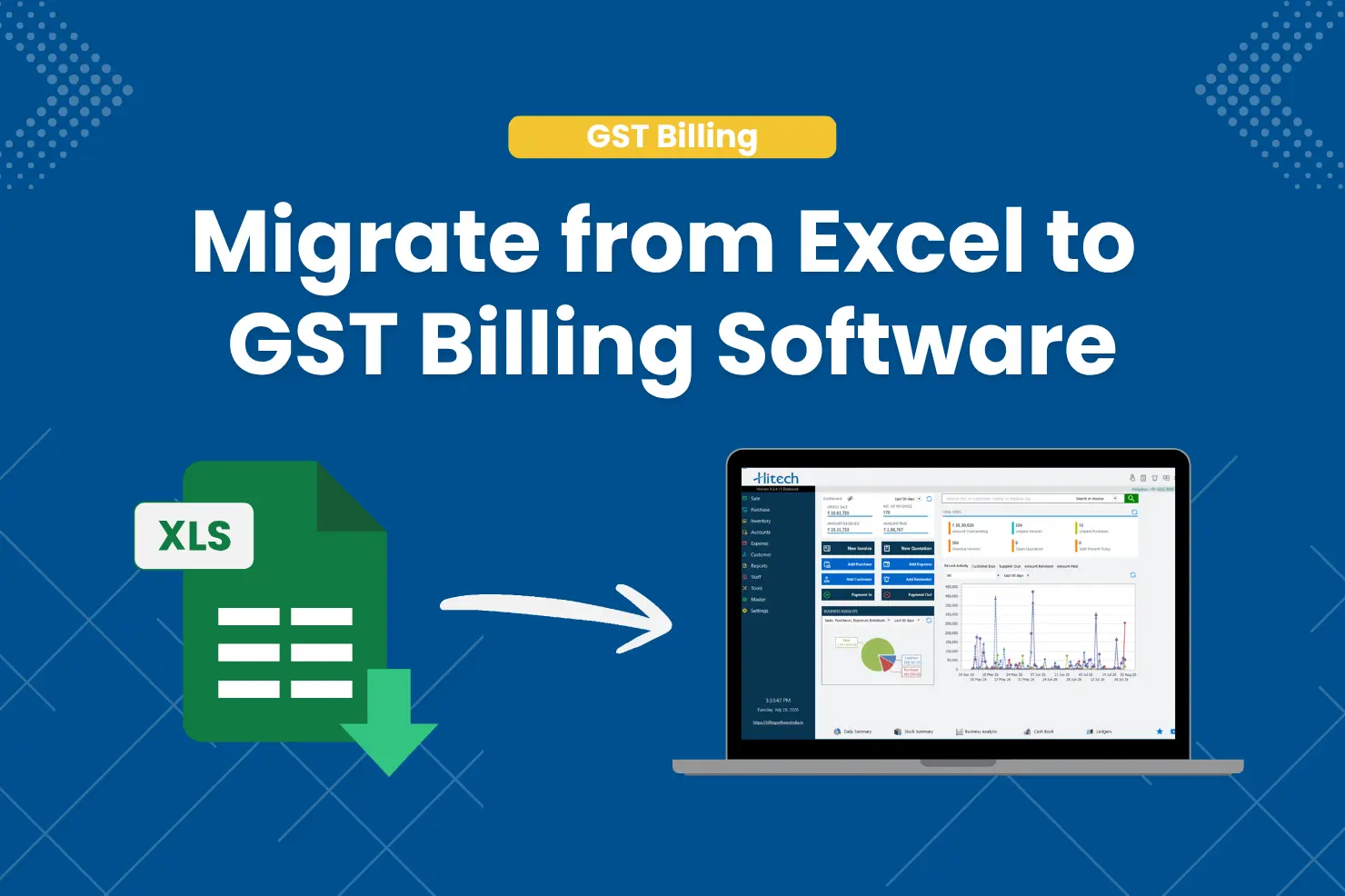
For years, many Indian businesses have relied on Excel spreadsheets for billing, invoice management, and basic record-keeping. Excel remains a flexible tool, but it was never built to handle the growing compliance and operational demands of a modern business.
With GST compliance becoming increasingly digital in 2026, businesses need more than spreadsheets. Managing invoices, inventory, payment tracking, GST calculations, e-Way Bills, e-Invoicing requirements, and business reporting by hand often leads to errors, delays, and compliance risk.
If your business still bills on Excel, this may be the right time to upgrade. This guide walks through why Excel billing breaks down as you grow, the benefits of switching, what data to migrate, a step-by-step migration process, common mistakes to avoid, and how to make the transition without disrupting daily operations.
Many small businesses started with Excel because it's accessible, familiar, and doesn't cost anything extra - no subscription, easy templates, no training required, and plenty of room to customize. For a business handling a handful of invoices a month, that can feel like more than enough.
As transaction volumes increase, those same advantages start working against you. Businesses often end up spending more time maintaining spreadsheets than actually running operations:
Before jumping into migration steps, it helps to check whether Excel is actually slowing your business down:
Understanding the difference helps you weigh the real, long-term benefit of migrating.
| Feature | Excel Billing | GST Billing Software |
|---|---|---|
| GST Calculation | Manual | Automated |
| Invoice Creation | Manual | Fast & Automated |
| Inventory Management | Limited | Integrated |
| Payment Tracking | Manual | Automated |
| Business Reports | Manual | Real-Time |
| Multi-User Access | Difficult | Easy |
| E-Way Bill Support | No | Available |
| E-Invoicing Support | No | Available |
| Data Backup | Manual | Automated |
| Compliance Readiness | Limited | High |
This gap becomes more noticeable as businesses scale. Moving beyond spreadsheets brings faster billing (invoices generated in seconds, not minutes), better GST compliance through automatic tax calculations, tighter inventory control as stock updates automatically with sales and purchases, faster payment collection through automated reminders, real-time business insights instead of end-of-month compilation, and far less administrative work overall.
Many businesses assume migration means moving every spreadsheet ever created. In reality, most only need their active operational data:
Preparation cuts down migration issues significantly. Back up your original spreadsheets, remove duplicate customer and product entries, standardize naming conventions, validate GSTIN numbers and tax settings, and confirm stock quantities before importing anything.
A structured approach keeps disruption to a minimum:
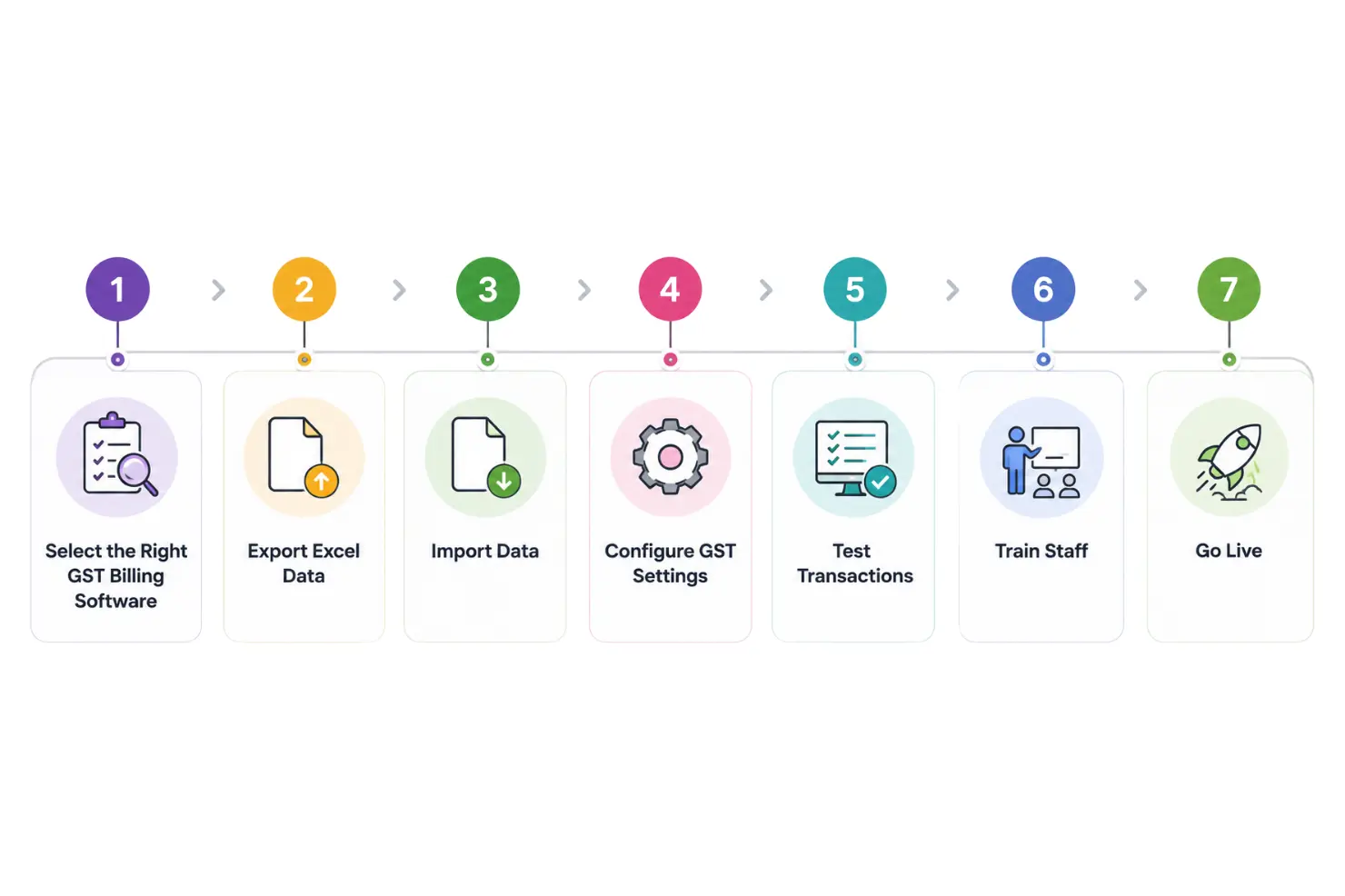
Migration projects usually stumble on the same handful of issues: importing duplicate data that creates reporting problems, incorrect GST mapping that affects compliance, skipping product cleanup and carrying over outdated SKUs, skipping user training so teams quietly fall back on spreadsheets, and not testing before launch. Testing early catches most of these before they become real problems.
Not every billing solution offers the same depth of functionality - focus on what supports your operations long-term:
The shift toward digital compliance is accelerating, and growing businesses increasingly need systems that support GST automation, e-Invoicing, e-Way Bills, inventory management, multi-user collaboration, and real-time reporting all together. Excel remains a useful analysis tool, but for many growing businesses it's no longer enough as a primary billing platform.
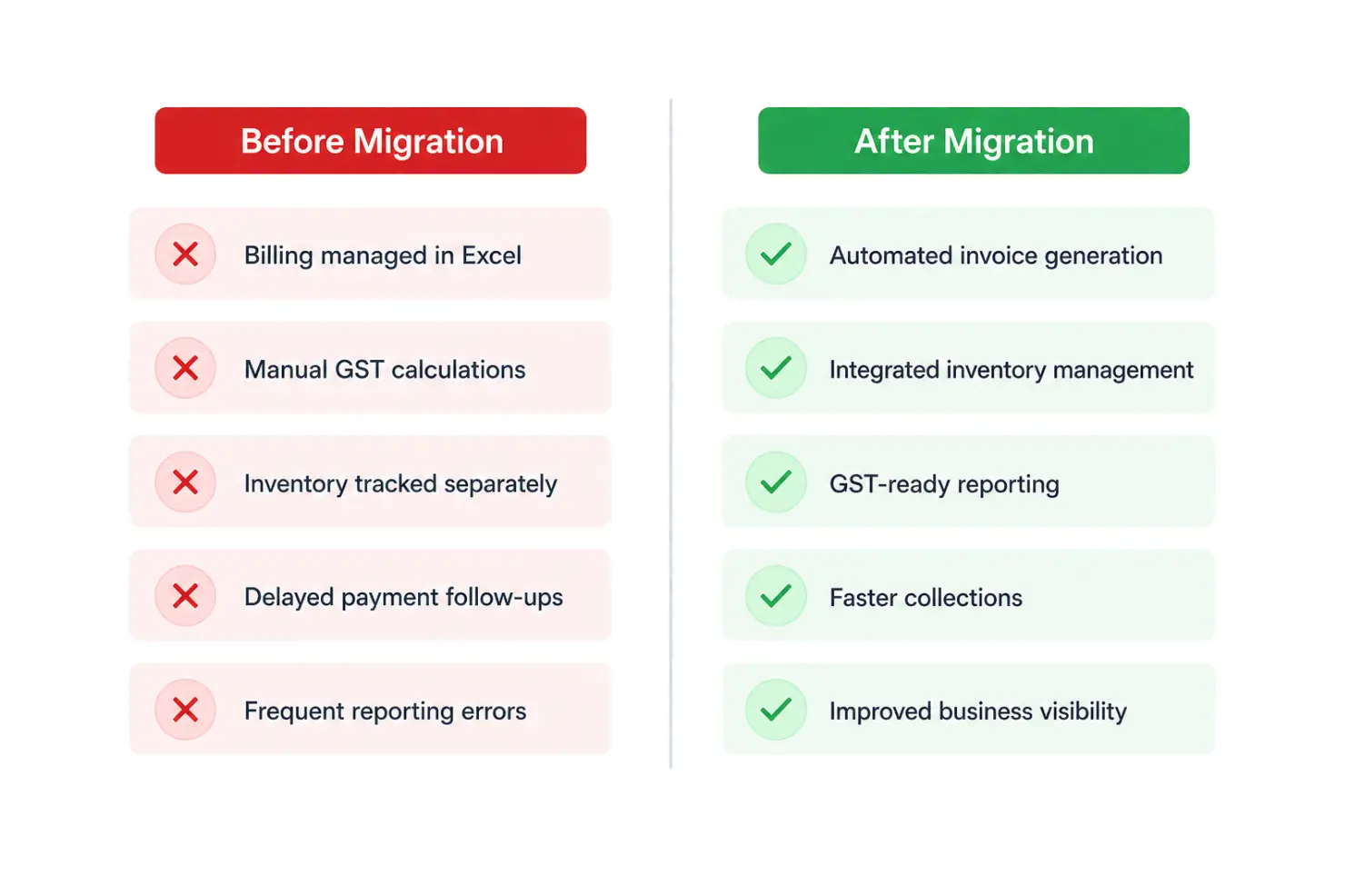
Take a wholesale business generating around 200 invoices a month. Before migration: billing managed in Excel, manual GST calculations, inventory tracked separately, delayed payment follow-ups, and frequent reporting errors. After migration: automated invoice generation, integrated inventory management, GST-ready reporting, faster collections, and much better business visibility overall - less administrative workload, more operational control.
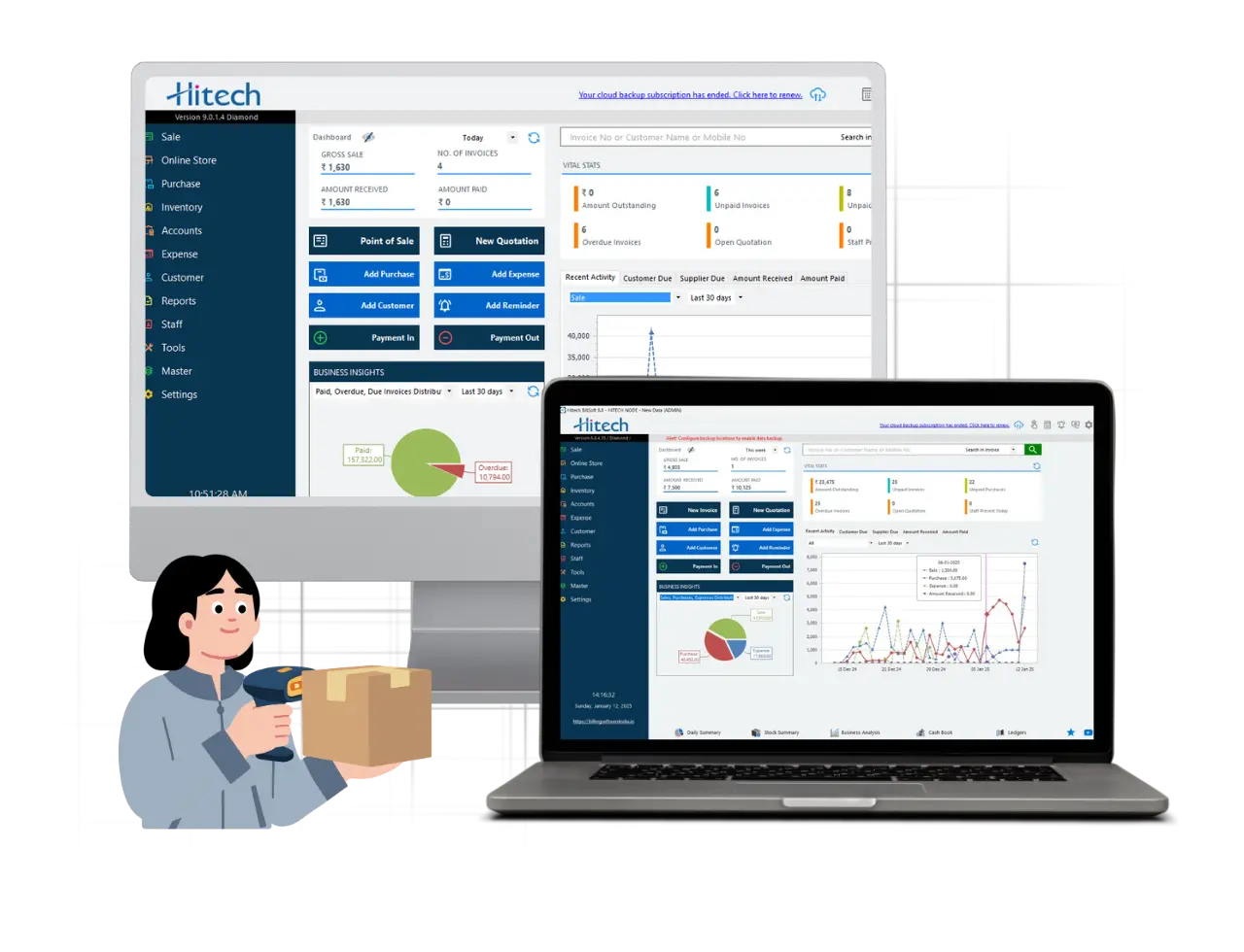
Many businesses want software that's easy to adopt without needing extensive training. Hitech Billsoft helps businesses move from manual, spreadsheet-based billing to a more streamlined workflow - GST-compliant invoicing, inventory tracking, customer management, expense tracking, business reporting, payment reminders, mobile billing, and cloud-based access, all in one platform. For traders, retailers, distributors, service providers, and MSMEs, it's a practical path from spreadsheets to a properly organized billing system.
Migrating from Excel billing to GST billing software isn't just a technology upgrade - it's a business efficiency decision. Spreadsheets can work fine in a business's early days, but growing operations need stronger controls, automation, and compliance support.
Moving to GST billing software improves invoicing accuracy, automates tax calculations, simplifies inventory management, strengthens reporting, and cuts down administrative work. With proper planning and clean data going in, migration can happen smoothly with minimal disruption - and the sooner you move beyond manual spreadsheets, the sooner you can spend that time on growth instead of managing data across a dozen Excel files.

Join Millions of Business Owners already saving time and
money with Hitech Billsoft.