Try the Hitech Billsoft Software today and grow your business
Join Millions of Business Owners already saving time and
money with Hitech Billsoft.
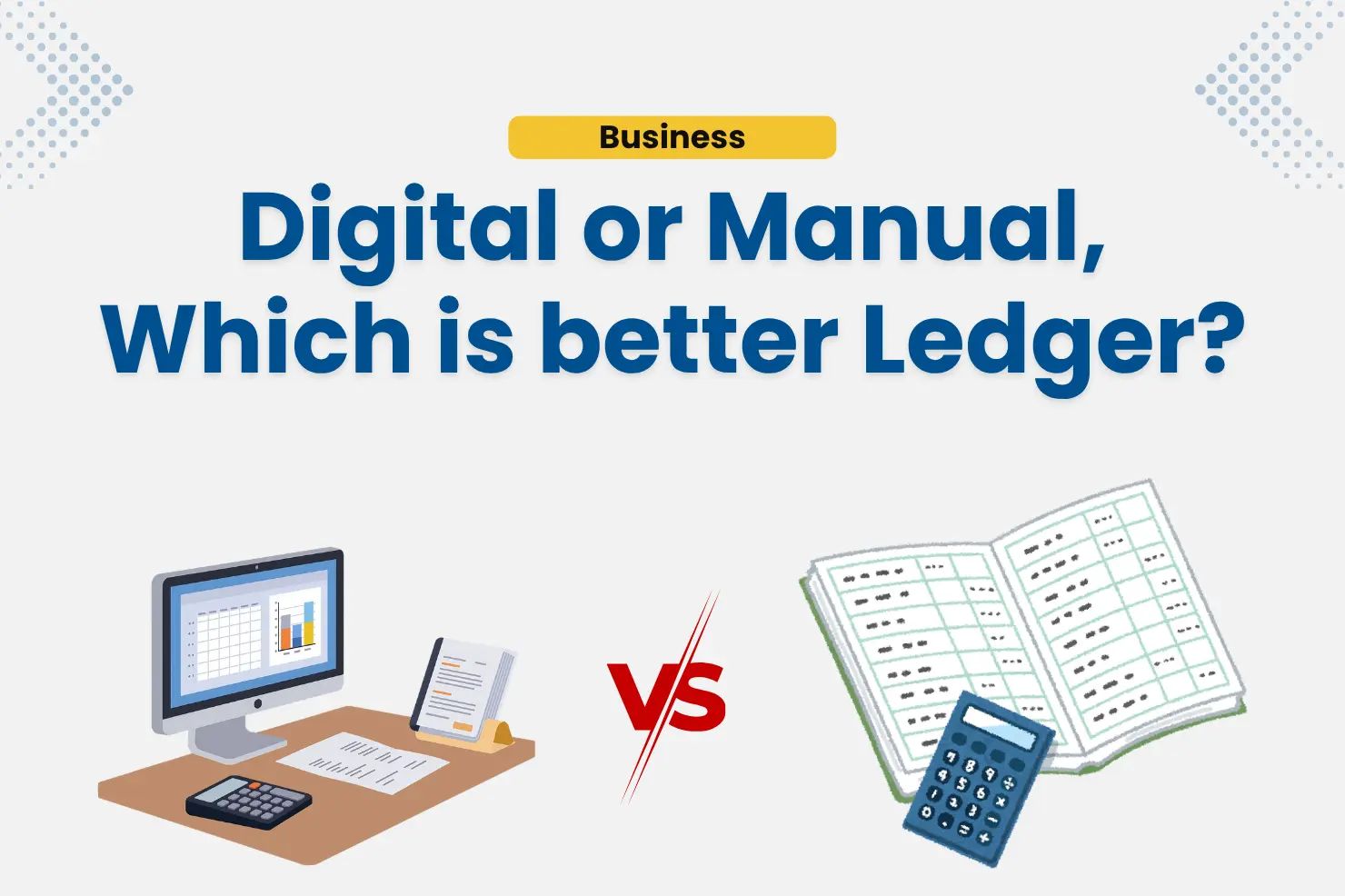
It is 9:15 PM. The shutter is half down. You are sitting with a ledger book open, a calculator in one hand, tracing a finger down a column of names to work out who still owes you money from last month. Somewhere in those pages is a customer who paid in cash three weeks ago and swears you never recorded it. You cannot prove otherwise, because the entry sits on a page you would need twenty minutes to find.
Every business that keeps books by hand knows this evening. The question worth asking is not whether the manual ledger works - it clearly does, millions of Indian businesses have run on it for decades. The question is what it costs you.
This guide compares a digital ledger vs manual ledger honestly: what each one does well, where each one breaks down, and how to decide which suits your business. And because most people assume "digital" means "cloud, subscription, internet" - it does not have to. We will get to that.
A manual ledger is a physical register in which you record financial transactions by hand. Most business owners divide it into sections:
Each transaction is written in as it happens, and balances are worked out with a calculator and a pen.
That is the real cost of manual bookkeeping, and it is invisible until something goes wrong.
A digital ledger is a ledger that writes itself.
Instead of recording a transaction and then updating the customer's balance separately, you simply do the business activity - create an invoice, enter a purchase bill, record a payment - and the ledger updates on its own. The entry, the calculation and the running balance all happen in one step.
A digital ledger typically holds:
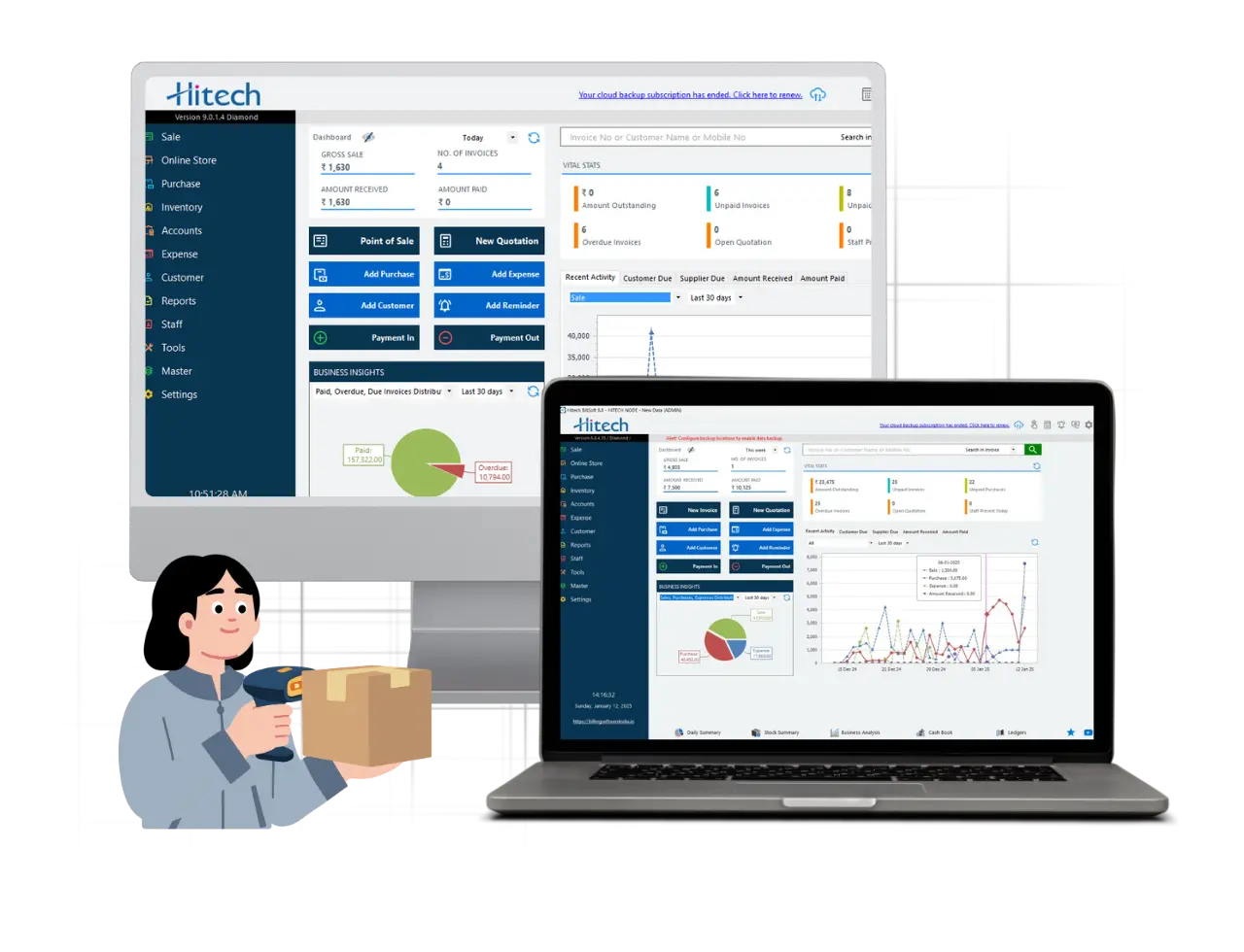
A digital ledger does not require the internet. Many people avoid switching because they assume it means a monthly subscription, a login, and a business that stops the moment the connection drops. That describes cloud accounting software - it does not describe all software. Hitech Billsoft, for instance, runs on your own Windows computer and works completely offline. Your data sits on your machine. No connection, no subscription, no interruption.
So the honest framing is not paper versus cloud. It is manual effort versus automatic recording - and you can have the second without giving up the reliability of the first.
| Feature | Manual Ledger | Digital Ledger (Hitech Billsoft) |
|---|---|---|
| Data entry | Handwritten, transaction by transaction | Auto-posted from sale, purchase or payment |
| Balance calculation | Manual arithmetic | Calculated automatically |
| Customer ledger | Written and totalled by hand | Generated automatically |
| Supplier ledger | Maintained separately | Generated automatically |
| Staff ledger | Rarely maintained at all | Auto-generated from salary and commissions |
| Cash book / day book | Compiled manually each day | Built in, updates as you bill |
| Outstanding dues | Found by scanning pages | Live balance with credit limit control |
| Payment reminders | Phone calls from memory | Built-in SMS and email |
| GST returns | Compiled by hand for the CA | GSTR-1, GSTR-3B and auditor reports |
| Search and retrieval | Page by page | Instant |
| Backup | One physical copy | Automatic backup to two locations |
| Reporting | Almost impossible beyond totals | 150+ business reports |
| Internet required | No | No - works fully offline |
That last row is the one that decides the argument for most shop owners. The strongest reason to stay on paper has always been independence from connectivity. Offline software removes that reason entirely.
| Advantages of a Manual Ledger | Limitations of a Manual Ledger |
|---|---|
| Very low starting cost - a register and a pen, nothing more. | Every entry costs time - the same transaction is written two or three times across different sections. |
| No device, no software, no internet - it works in a power cut. | Calculation errors compound silently - one wrong total carries forward for months before anyone notices. |
| Simple for very low volumes - a handful of monthly transactions needs nothing more. | Outstanding dues are invisible - you only discover a bad debt when you go looking for it. |
| Familiar and trusted - decades of habit, no learning curve. | No reporting - you cannot see fast-moving items, margin by product, or month-on-month trends. |
| Nothing to fail - no crash, no update, no compatibility issue. | Paper is fragile - fire, water, termites, ink fading and ordinary wear all destroy records permanently. |
| — | No backup exists - if the register is lost, the data is simply gone. |
| — | Credit limits and cheque dates live in your memory - and memory fails at the worst moment. |
| — | Multiple counters or branches cannot be consolidated - separate books never quite reconcile. |
| — | GST filing becomes a monthly scramble - figures must be compiled by hand under deadline pressure. |
| — | The record exists only where the book is - you cannot check a balance from outside the shop. |
There is one limitation worth pulling out of the table, because it has changed the maths entirely in the last few years. A manual ledger is no longer just inconvenient - it is increasingly incompatible with compliance. GST returns run on deadlines. E-invoicing and e-way bill thresholds keep widening. Input tax credit depends on accurate, matched records. A register that takes three days to compile into a return is not a neutral choice any more; it is a recurring risk of late filing, mismatched credit and avoidable notices.
1. Ledgers that write themselves
In Hitech Billsoft, ledgers are generated automatically from the transactions you were going to enter anyway - sales, purchases, purchase returns, payments and account adjustments. There is no separate ledger-writing step. Bill the customer, and the customer's account is already updated.
2. Customer, supplier and staff accounts in one system
Most businesses maintain a customer khata and, if they are disciplined, a supplier book. Staff accounts almost never get written down. Hitech Billsoft maintains all three - including staff ledgers built from salary, commissions, payments and adjustments - so nothing sits outside the books.
3. Cash book and day book, maintained for you
These are the two books every manual system tries to keep and rarely keeps well. The cash book records all cash movement; the day book records everything received and paid on a particular day. Both are built in and update as you bill, so closing the day takes a glance rather than an hour.
4. You always know who owes you
Every client sits on a single dashboard showing account balance, account history, invoices, quotations and pending payments. You can set a credit limit per customer, generate payment receipts, adjust accounts and set cheque alerts so a due date never depends on memory again. On the purchase side, outstanding supplier payments and due dates are tracked the same way.
5. Follow-ups that happen without you
A built-in SMS server and email support mean payment reminders go out from the software itself. Instead of deciding each morning who to call, you send a batch and get on with the day.
6. GST-ready, not GST-panicked
CGST, SGST and IGST are calculated automatically on every invoice, including multi-rate bills and purchase bills. GSTR-1, GSTR-3B and auditor-compatible reports generate from records that are already correct, and e-invoices and e-way bills can be produced directly when your business crosses the thresholds.
7. It works offline, every day
No internet connection is required to bill, record or view your ledgers. Rural connectivity, a dropped line during rush hour, a data outage - none of it stops your counter.
8. Your data is backed up twice, automatically
Automated backup runs to two separate locations with encryption, and cloud backup is available as an option rather than a requirement. A register cannot be duplicated. Your ledger can.
9. Check the business from your phone
The Android app shows daily and monthly sales, payments, purchases, expenses and staff attendance. A web login lets you pull reports from a browser when you are away from the shop.
10. Reports you could never compile by hand
More than 150 business reports cover sales trends, outstanding summaries, fast and slow-moving stock, and cost-profit analysis. This is the category of information a manual ledger simply cannot produce, no matter how carefully it is written.
A manual ledger may still be enough if:
A digital ledger is the better choice if:
Feature lists are easy to ignore. These are harder:
Each of these is a specific, recoverable cost. Together they usually exceed the price of the software several times over in a single quarter.
Feature lists do not show how software actually behaves. So follow a single credit sale through the system.
Step 1 - The sale. A regular customer buys goods worth ₹18,000 on credit. You generate a GST invoice in one click, with tax calculated automatically. One-click billing is designed to cut operator workload during rush hours by up to 43%, and the dual-channel printing engine produces invoices at up to 10 per second without preview - which matters when there is a queue.
Step 2 - The ledger updates itself. The customer's account is debited the moment the invoice is saved. You do not open a ledger book. You do not write anything. The balance is already current.
Step 3 - The credit limit is checked. If this sale pushes the customer past the limit you set for them, you know at the counter, not at month-end.
Step 4 - Stock adjusts. The items leave inventory automatically, and low-stock alerts fire when the item needs reordering.
Step 5 - The reminder goes out. Ten days later the invoice is still unpaid. Instead of scanning pages to find who to chase, you pull the outstanding summary and send SMS reminders from within the software.
Step 6 - The payment arrives. You record a part payment of ₹10,000 by cheque, with a cheque alert set for the clearing date. The ledger adjusts, the cash book and day book update, and the remaining ₹8,000 shows as outstanding.
Step 7 - Month-end. GSTR-1 and GSTR-3B generate from records that were built correctly the first time. Your accountant gets auditor-compatible reports instead of a photograph of a register.
Seven steps, and the only ones you actually performed were billing the customer and recording a payment. Everything between them is the work a manual ledger would have demanded from you by hand.
Hitech Billsoft is used by more than 2,00,000 businesses across India, and the core billing, invoicing and GST features are available in a free edition that runs on Windows 7, 8, 10 and 11 - with a paid version available on a lifetime licence rather than a monthly subscription. For a business moving off paper, that removes the two biggest objections at once: recurring cost and internet dependency.
The most common reason businesses delay the switch is not cost or complexity. It is a simple, practical fear: what happens to my existing khata?
Nothing has to be lost. Here is the sequence that works.
The whole process typically takes a weekend of setup and one month of parallel running. After that, the evening arithmetic simply stops.
| Manual Ledger | Digital Ledger with Hitech Billsoft |
|---|---|
| Handwritten entries | Automatic transaction recording |
| Manual calculations | Automatic, error-free balances |
| Dues found by searching | Live outstanding with credit limits |
| Cheque dates remembered | Automated cheque alerts |
| No reminders | Built-in SMS and email follow-up |
| Reports compiled by hand | 150+ ready business reports |
| One physical copy | Automatic backup to two locations |
| GST filed under pressure | GSTR-1, GSTR-3B and auditor reports |
| Accessible only at the shop | Desktop, Android app and web login |
The manual ledger is not a mistake. It is a system that worked well for a smaller, slower, cash-based way of doing business - and for a business that still operates that way, it remains perfectly reasonable.
What has changed is everything around it. GST runs on deadlines. Customers expect credit. Suppliers expect tracking. Margins depend on knowing which items actually move. A register can record all of this, but it cannot tell you any of it, and it cannot do the arithmetic for you at 9:15 PM.
The choice in digital ledger vs manual ledger is no longer between reliability and convenience. With software that runs offline, on your own machine, on a lifetime licence, you keep the independence that made the register attractive and gain the automation it could never provide.
Your ledger should be something you read, not something you write.
Download the free edition of Hitech Billsoft and let your ledgers maintain themselves.
Join Millions of Business Owners already saving time and
money with Hitech Billsoft.